 BookDo
Online booking for a tattoo studio
Consultation, session, touch-up: each visit has its own length and its own artist, and a deposit protects against an empty day.
How this business works
In a tattoo studio the work on one client stretches over several visits: a consultation and a sketch, one or more sessions, then a touch-up. A session can take half a day.
Artists often work on commission or rent a seat. Most of the talk with the client happens in messengers: ideas, references, healing photos.
What gets in the way
A no-show eats half a day
For a big session the artist clears the day. If the client does not come, there is nobody to replace them.
Chats live on the artists' own phones
The owner does not see what was agreed, and when an artist leaves, the clients leave with the chat history.
Visits of very different length
Fifteen minutes for a piercing and six hours for a sleeve are hard to fit in one notebook.
Settling with artists
Commission, rent, consumables: without a record for every session, arguments start.
How BookDo handles it
Deposit when booking
Through ATOL Pay the client pays a deposit by card from the booking page, after which the booking is confirmed.
Services of any length
A consultation, a small piece and a long session are separate services, and the form finds a suitable slot.
Studio chats in one window
Telegram, WhatsApp, MAX and Avito connect to the workspace. The chat history stays with the studio.
Commission with a breakdown
Each booking shows how much the artist earned and for what.
Aftercare products
Healing products and jewellery are added to the booking and written off from stock.
What it looks like
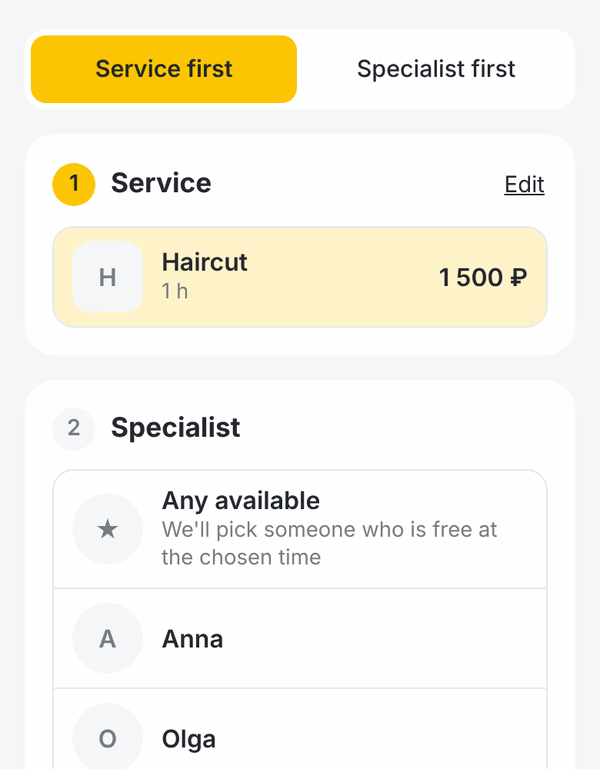
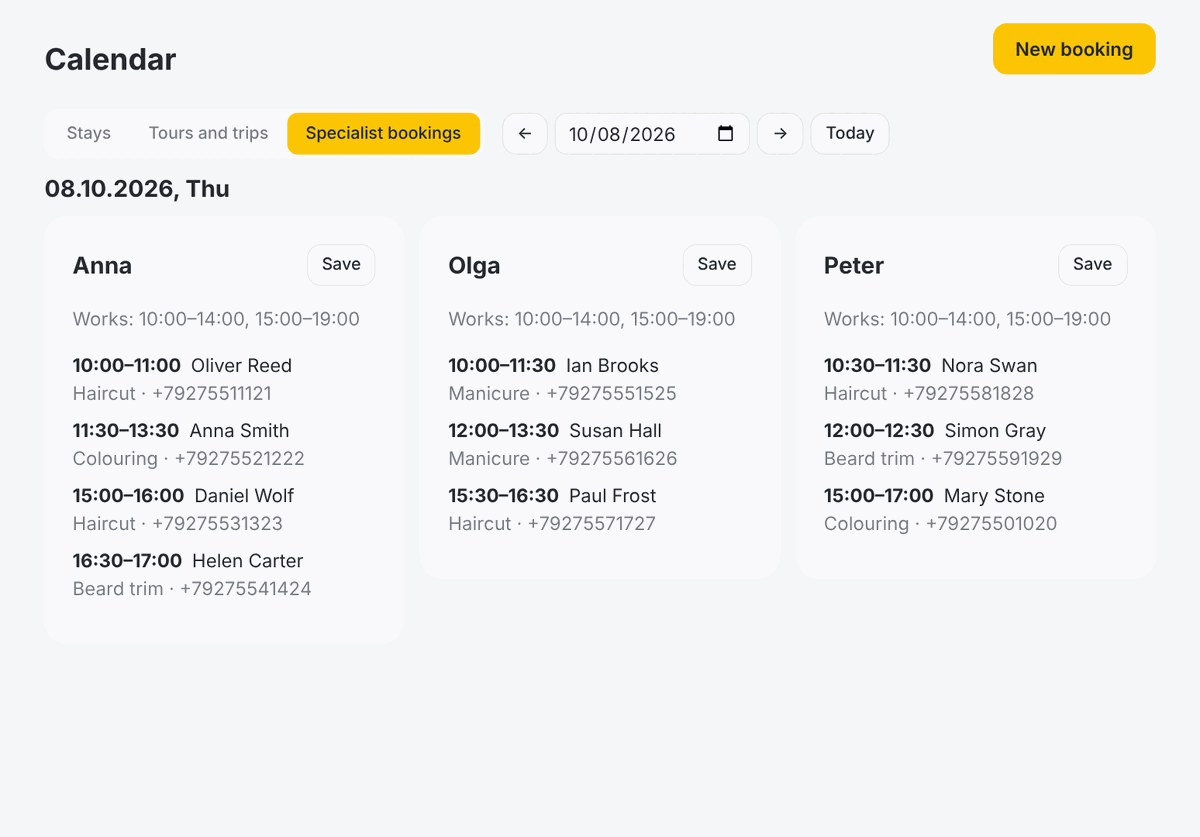
Demo data on screen.
Common questions
Can online booking be open for consultations only?
Yes. The booking form shows the services you choose. Sessions can be put in the calendar by you after the consultation.
Will an artist see other artists' bookings?
That depends on the rights you give their role.
Can a client send a sketch?
Yes, in the chat: from a messenger or from their BookDo account.
Try it on your own bookings
Create a workspace and add a couple of services. If you get stuck, write to us: we will set it up together and show your staff how to use it.
Try it free