 BookDo
Booking for short-term flat rentals
One flat is listed on several sites. Booked dates must close everywhere, not only where the booking came in.
How this business works
An owner rents out one or several flats by the night. The listings are on Avito, Sutochno.ru and Ostrovok, plus there are regular guests who write directly.
Each site keeps its own calendar and its own messages. Cleaning is needed between guests, and with each guest you have to agree on check-in and hand over the keys.
What gets in the way
A double booking
The flat was booked on one site while the dates stayed open on another.
Calendars are synced by hand
After each booking the owner goes round all the sites and closes the dates.
Messages in five places
Guests write in different apps, and one of them stays unanswered.
Income by flat is not visible
Which flat earns and which stands empty is only roughly clear.
How BookDo handles it
A calendar by property
You see what is booked, what is free and what awaits payment. Dates for repairs or for yourself can be closed.
Date exchange with listing sites
The calendars of Avito, Sutochno.ru and Ostrovok are linked by URL: booked dates go to the sites and come back from them.
Direct bookings by your own link
Give regular guests the link; they book themselves and can pay a deposit by card.
Chats in one window
Messages from Avito, Telegram, WhatsApp and MAX arrive in one section.
Money by flat
Payments are tied to bookings; reports show bookings and money by property and month.
What it looks like
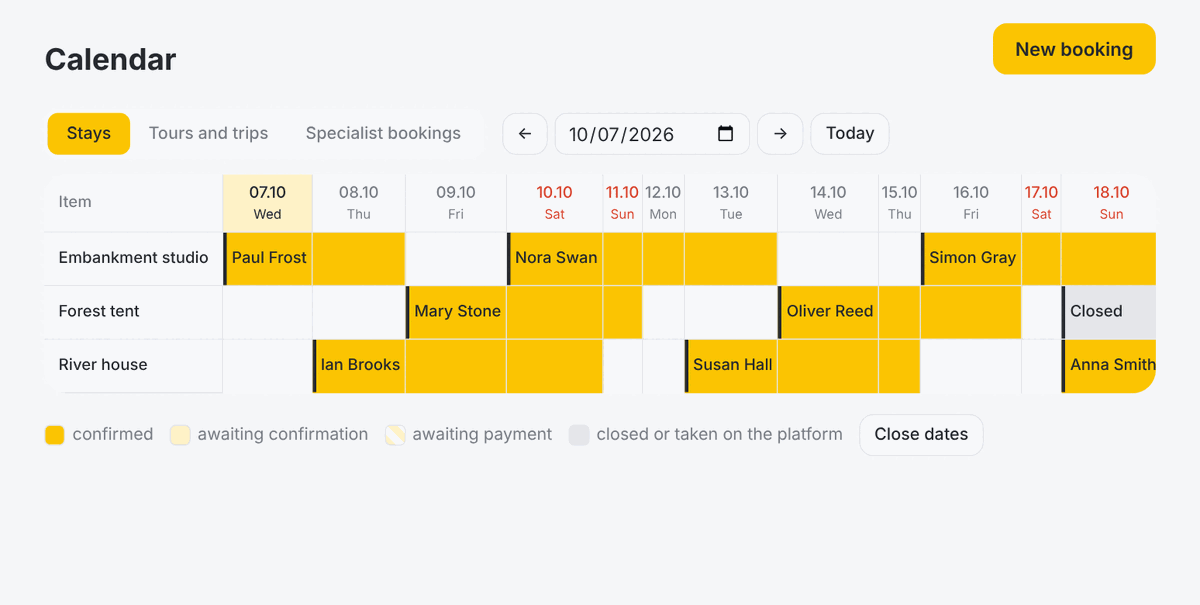
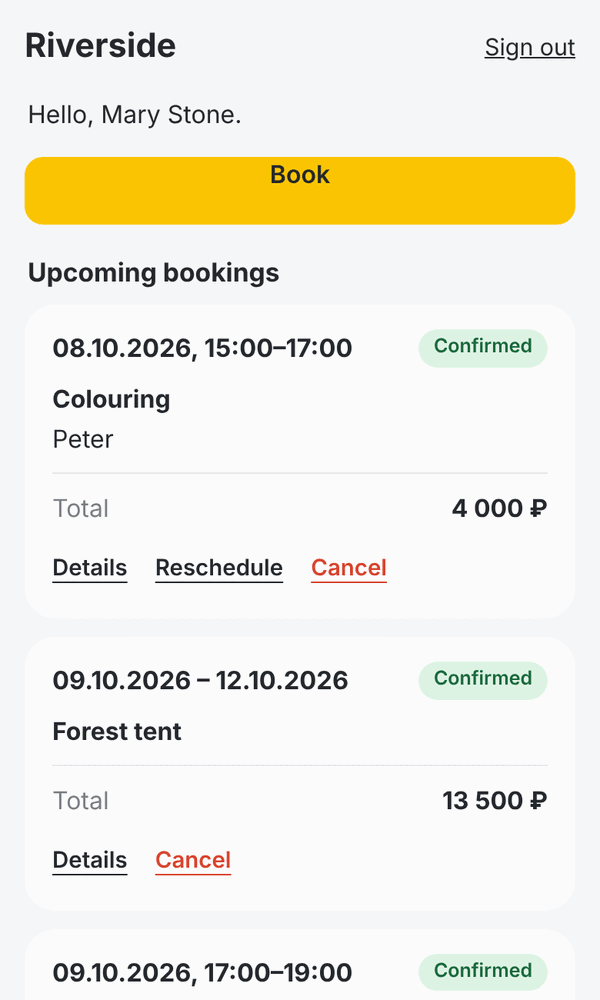
Demo data on screen.
Common questions
Can I change prices on listing sites from BookDo?
No. Only booked dates are exchanged. Prices are changed in the sites' own dashboards.
How many flats can I add?
The plan does not limit the number of properties. It depends on how many people work in the workspace.
The flats are in different cities. How do I set that up?
Cities or districts are set up as branches; the guest first chooses where.
Try it on your own bookings
Create a workspace and add a couple of services. If you get stuck, write to us: we will set it up together and show your staff how to use it.
Try it free